
The Remyard product suite
Resource planning, customer relationships and business analytics. Explore the work each product supports, then discuss the right scope for your organisation.
Explore the product suite
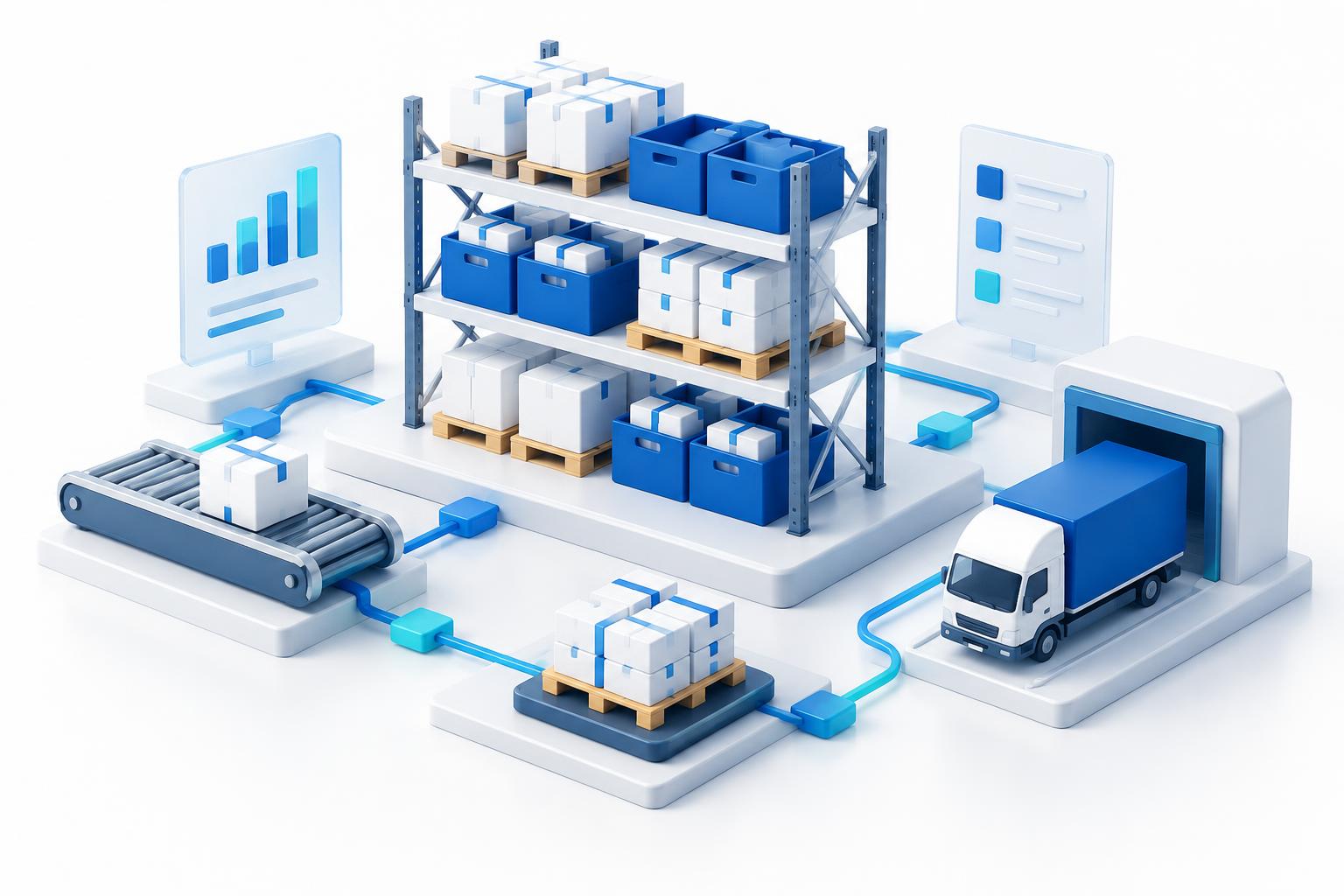
Compare the three product areas at a glance. AI-generated illustrations represent each area, rather than actual product screenshots.


Remyard Analytics
Dashboards, reporting and performance exploration for business decisions.
See detailsRemyard ERP
Enterprise resource planning suite
Bring finance, inventory, purchasing and workforce processes into a shared operational view. Evaluate how your team records transactions, tracks stock and manages approvals.
- Organised module navigation for everyday operational tasks
- Structured tables for reviewing business records and actions
- Inventory, purchasing and vendor records in one product area
- Access requirements considered alongside each workflow
Bring your workflow into the conversation
How do you track stock, purchasing and approvals today? Bring an outline of your operational process and the records your teams need to share.
Remyard CRM
Customer relationship & sales pipeline management
Keep account information and sales activity in context, from the first enquiry to ongoing customer conversations. Review opportunities, follow-ups and forecasts with your revenue team.
- Visual pipeline for reviewing opportunities by sales stage
- Customer activity timelines and follow-up requirements
- Commercial information and revenue planning in context
- Discuss connections between sales activity and ERP records
Bring your workflow into the conversation
How are opportunities handed over and followed up? Discuss your pipeline stages, account records and the information that helps your team prioritise.
Remyard Analytics
Real-time reporting and business intelligence
Explore business performance through dashboards, reports and scorecards. Identify the metrics your departments need and how they connect to operational records.
- Dashboards that bring operational metrics into view
- Explore trends using clearly defined business metrics
- Discuss reporting schedules and exception-monitoring needs
- Scorecards for comparing results and investigating detail
Bring your workflow into the conversation
Which decisions depend on your reports? Discuss your data sources, metric definitions and the views each department needs.
Not sure which module fits?
Tell us which tasks take the most time, which systems you use and which reports you need. We will explore the right starting point together.
Book a Meeting